
Affiliate marketing is one of the simplest and most powerful ways to make money online, but most beginners don’t fully understand how affiliate links track clicks, how commissions are assigned, or why companies trust affiliates to promote their products.
This guide gives you a clear, beginner-friendly explanation of how affiliate links actually work, how tracking happens behind the scenes, and how commissions are calculated — all in simple language with zero technical confusion.
Introduction
If you’ve ever clicked a link in a blog post, YouTube description, or social media bio and later bought something — there’s a good chance you helped someone earn an affiliate commission. Affiliate links seem simple on the surface, but behind them is a smart tracking system that records visits, actions, and purchases.
Understanding how affiliate links actually work is essential if you want to:
- Start earning through affiliate marketing
- Create SEO content
- Build an affiliate-focused blog or YouTube channel
- Promote tools, courses, or digital products
- Build long-term passive income streams
This guide breaks down the entire process from click → tracking → sale → payment in a clear, friendly way.
What Are Affiliate Links?
Affiliate links are unique tracking URLs that connect a buyer’s action to the affiliate who referred them. Think of it like a digital ID tag attached to every click.
When someone clicks your affiliate link, the system can identify:
- Who clicked
- What they clicked
- Whether they purchased
- When the action happened
These links are essential for affiliate programs to know which affiliate deserves the commission.
How Affiliate Links Actually Work (Simple Breakdown)
Affiliate links use a combination of tracking codes, cookies, and redirect systems to make sure you get credited for the sale.
Here’s the beginner-friendly version:
1. You Get a Unique Tracking Link
When you join an affiliate program, you receive a special link such as:
domain.com/product?ref=yourID
This link identifies that you sent the visitor.
2. Someone Clicks Your Link
When a user clicks the link:
- They are redirected to the product’s website
- The affiliate tracking system logs the click
- A cookie or tracking session is created
3. A Cookie Is Stored on Their Device
A cookie is a small file saved in the user’s browser.
It usually includes:
- Your affiliate ID
- The program ID
- The time and date of the click
- How long the cookie lasts
Common cookie durations:
24 hours, 30 days, 60 days, 90 days, or lifetime cookies
If the buyer comes back later and makes a purchase, you still get credit.
4. The User Makes a Purchase
When the user checks out:
- The system checks if an affiliate cookie exists
- It identifies your referral ID
- It assigns the sale to your account
5. You Earn a Commission
Depending on the program, you get paid:
- Per sale
- Per signup
- Per click
- Per lead
- Recurring commissions (monthly renewals)
This is how affiliate marketers earn real income online.
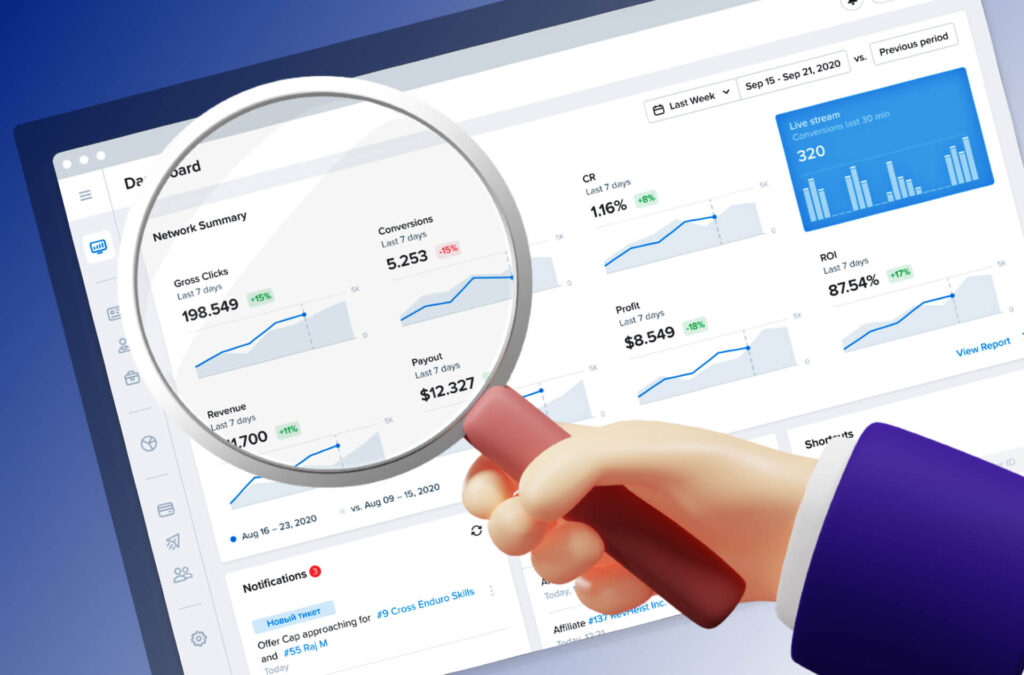
Key Features & Benefits of Affiliate Links
Affiliate links power the entire affiliate marketing industry. Here’s why they’re so effective:
Unique Tracking IDs
Every click is connected to a specific affiliate.
Cookie-Based Tracking
You still earn if the buyer returns later.
Global Reach
Anyone around the world can click your link.
No Product Handling
You earn money without delivering anything.
Performance-Based Rewards
You get paid for results — not time.
Scalable Income
More content → more clicks → more sales.
Automated Tracking
No manual work. The system does it all.
Practical Use Cases for Affiliate Links
Affiliate links work across multiple platforms. Here’s how real people use them daily:
Bloggers
Insert affiliate links inside:
- Tutorials
- Reviews
- Comparisons
- Listicle posts
YouTubers
Place links in descriptions with CTAs like:
“Click the link below for more info.”
Influencers
Use link-in-bio tools to share multiple affiliate links.
Email Marketers
Add links to helpful recommendations inside newsletters.
Tech & AI Bloggers
Use affiliate links inside tool guides, software lists, and how-to posts.
Step-by-Step Beginner Guide: Using Affiliate Links Properly
If you’re learning how affiliate links actually work, here’s a simple starter workflow:
Step 1 — Join an Affiliate Program
Choose a niche and join reliable programs.
Step 2 — Copy Your Affiliate Link
It’ll include your ID for tracking.
Step 3 — Create Helpful Content
People click when your content solves a problem.
Step 4 — Insert the Affiliate Link Naturally
Add it to sentences like:
“You can try the tool here.”
Step 5 — Add Disclosure
Always inform readers that you use affiliate links.
Step 6 — Drive Traffic
Use SEO, social media, or email marketing.
Step 7 — Track Conversions
Use analytics to measure link performance.

Examples in Real Life
Example 1 — A Blog Tutorial
A blogger writes “How to Start a Blog” and includes affiliate links to tools.
Example 2 — A YouTube Tech Review
The host mentions links below the video.
Example 3 — An Email Newsletter
Writers include affiliate suggestions in resource sections.
Example 4 — A Social Media Creator
Someone posts short content and directs followers to a link in bio.
Tips for Beginners Using Affiliate Links
- Focus on solving problems → people trust your recommendations
- Don’t force links → be natural
- Use multiple traffic sources
- Learn SEO to grow organic clicks
- Always test your affiliate links
- Track which content drives the most sales
- Focus on long-term value, not quick promotions
Common Mistakes to Avoid
Using Too Many Affiliate Links
This can look spammy.
Promoting Everything
Stick to trusted, useful products.
Ignoring Link Tracking
You won’t know what’s working.
Not Adding Disclosures
This is required legally.
Expecting Overnight Results
Affiliate income grows steadily — not instantly.
Advanced Insights (Optional)
Once you understand how affiliate links work, explore:
- Cloaking and shortening links
- Deep-linking to specific product pages
- Building funnels for higher conversions
- Using analytics to optimize link placement
- Creating content clusters for long-term SEO
- A/B testing different CTAs
- Segmenting content for better targeting
Conclusion
Affiliate links are the backbone of affiliate marketing. They track clicks, record purchases, and ensure you get paid for every customer you refer. Whether you’re writing blog posts, creating YouTube content, or building an online brand, understanding how affiliate links actually work is crucial for long-term success.
When used correctly, affiliate links allow you to earn meaningful income online — ethically, transparently, and effectively.
Frequently Asked Questions
Affiliate programs use tracking IDs and cookies to record user actions.
Some programs use server-side tracking or browser sessions.
Usually no — the program assigns the sale to one affiliate.
The links don’t usually expire, but cookies do.
Yes — most platforms allow affiliate links with proper disclosure.