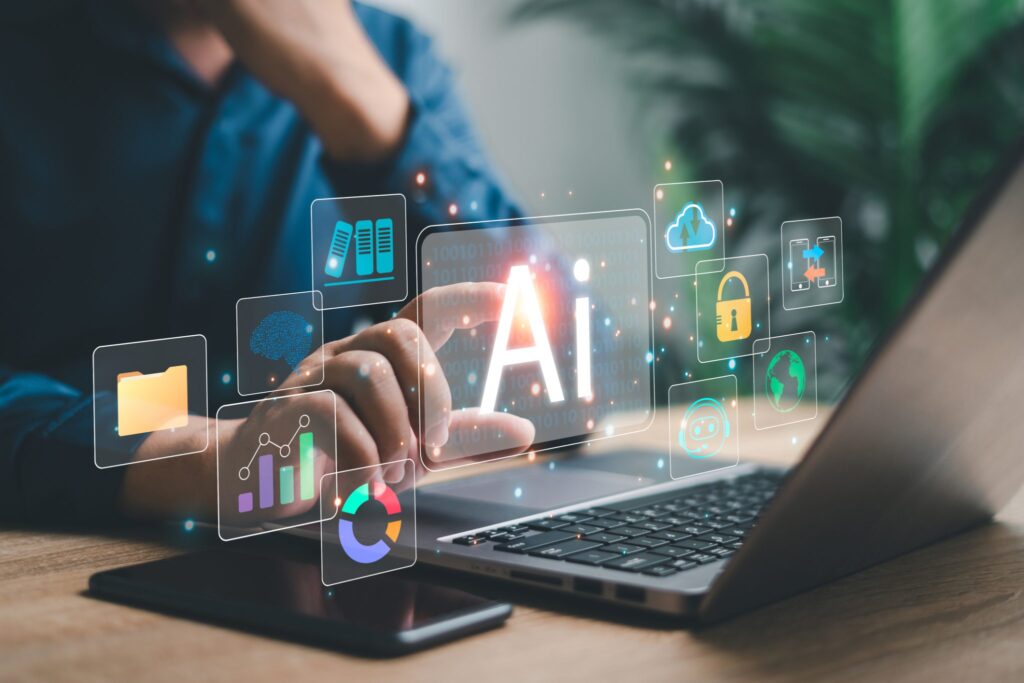
Artificial intelligence isn’t just writing words anymore — it can now create images from scratch. You type a short description like “a cyberpunk city at night” and, within seconds, a completely new picture appears. That magic is done by AI image generators.
If you’re new to AI tools or AI image generation tools, this simple explanation will walk you through what an AI image generator is, how it works, and how you can start using it today even if you’re not a designer.
Introduction
Images are everywhere online — blog posts, social media, YouTube thumbnails, ads, and product pages. But hiring designers or buying stock photos for every piece of content quickly becomes expensive and slow.
This is where an AI image generator comes in. With just a few words, you can create unique visuals that match your idea almost instantly. You don’t need drawing skills, design software, or years of practice. You just need a good prompt and a basic understanding of how these AI tools work.
In this guide, we’ll break it all down in beginner-friendly language so you’re never confused by technical jargon.
What Is an AI Image Generator?
An AI image generator is an AI tool that creates new images from text, images, or a mix of both. You give it a short description — called a prompt — and the tool uses artificial intelligence to generate a picture that matches your request.
Think of it like this:
You describe the picture in words.
The AI imagines it for you and draws it digitally.
These AI image generation tools can create:
- Realistic photos
- Cartoon or anime-style art
- Logos and icons
- Landscapes and scenes
- Product mockups
- Abstract artwork
They’re used by creators, marketers, bloggers, freelancers, and everyday users who just want cool visuals.
How Does an AI Image Generator Work? (Simple Explanation)
Behind the scenes, AI image generators rely on complex math and machine learning, but you don’t need to understand the equations. Here’s the simple version.
1. The AI Is Trained on Millions of Images
Developers feed the AI huge datasets of images with captions or labels.
Over time, the AI learns patterns like:
- What “a cat” looks like
- How “sunset lighting” changes colors
- What “cartoon style” means compared to “realistic photo”
The AI doesn’t memorize exact images — it learns patterns and relationships.
2. You Type a Text Prompt
You might type something like:
“A futuristic city at night, neon lights, cinematic wide shot.”
This is called your prompt.
3. The AI Translates Your Words Into Visual Features
The AI breaks your sentence into concepts:
- Futuristic city
- Night
- Neon lights
- Cinematic wide shot
Then it builds an internal “mental picture” of what those should look like together.
4. The AI Generates the Image
Using a technique like diffusion (starting from random noise and refining it) or other generative models, the AI:
- Starts with a noisy image
- Gradually sharpens it
- Shapes it into something that matches your prompt
In a few seconds, you get a completely new image — never seen before.
5. You Refine the Result
If the image isn’t perfect, you can:
- Re-prompt with more detail
- Change the style (realistic, 3D, flat, cartoon, etc.)
- Adjust size or aspect ratio
- Ask the AI to “regenerate” variations
This loop of prompt → image → refine is how people get stunning results.
Key Features and Benefits of AI Image Generators
1. Create Images Instantly
No waiting for designers or photographers.
Most AI image generation tools produce results in seconds.
2. Easy for Non-Designers
You don’t need:
- Photoshop skills
- Drawing talent
- Design training
If you can describe what you want, you can generate it.
3. Endless Styles and Ideas
You can ask for:
- 3D illustrations
- Watercolor paintings
- Pixel art
- Minimal flat icons
- Hyper-realistic photos
This flexibility makes AI tools incredibly useful for content creators.
4. Great for Content and Marketing
AI images are perfect for:
- Blog featured images
- Social media graphics
- YouTube thumbnails
- Ad creatives
- eBook covers
- Presentation slides
5. Cost-Effective
Many AI image generation tools offer:
- Free tiers
- Affordable pricing
- Generous monthly credits
You can generate dozens of images without spending much — ideal for small creators and beginners.
Practical Use Cases for AI Image Generators
Here’s how people use an AI image generator in real life.
Bloggers and Website Owners
- Create featured images tailored to each post
- Illustrate abstract ideas (e.g., “productivity,” “SEO,” “automation”)
- Replace generic stock photos with unique visuals
YouTube and Video Creators
- Generate eye-catching thumbnails
- Create background art and scene concepts
- Design icons or visual overlays
Social Media Marketers
- Make themed graphics for campaigns
- Quickly design carousels or post images
- Test multiple visual styles for ad performance
Software & AI Tool Creators
- Create UI mockups and concept art
- Illustrate product features for landing pages
- Generate tutorial visuals and diagrams
Freelancers and Designers
- Speed up concept exploration
- Offer AI-powered design packages
- Use AI images as starting points for final designs
Step-by-Step Beginner Guide: Using an AI Image Generator
Step 1: Choose an AI Image Generation Tool
Pick any beginner-friendly AI tools that support text-to-image.
Look for:
- Simple interface
- Free credits or trial
- Options for size, style, and aspect ratio
Step 2: Start With a Simple Prompt
Begin with structure like:
[Subject] + [Style] + [Lighting/Mood] + [Extra details]
Example:
“A cozy home office desk, digital art, soft lighting, pastel colors, wide 16:9.”
This gives the AI clear instructions.
Step 3: Select the Right Aspect Ratio
For most content use cases:
- 16:9 → YouTube, blog headers, landscape images
- 1:1 → Instagram feed
- 9:16 → Reels, Shorts, Stories
For TopReviewsPrint.com, you’ll usually want landscape (16:9) featured images.
Step 4: Generate the Image
Click generate and wait a few seconds.
If the result looks good:
- Save or download it.
If not:
- Tweak your prompt.
- Add or remove details.
- Try a different style keyword (e.g., “realistic,” “minimal,” “3D”).
Step 5: Refine With Iterations
Don’t expect perfection on the first try.
Common ways to improve:
- Add keywords: “high detail,” “cinematic lighting,” “clean background”
- Remove unwanted elements with negative prompts (if supported):
- Example: “no text, no watermark, no blurry details”
Step 6: Use the Image in Your Content
Once you’re happy:
- Upload it to your blog post
- Add alt text like: “AI image generator creating visuals from a text prompt on a computer screen”
- Compress if needed for faster loading
Examples in Real Life
Example 1: AI Image Generator for Blog Branding
A blogger in the AI niche wants custom visuals that match their brand colors (purple and blue). They use an AI image generator to create:
- Futuristic desk scenes
- Abstract AI brains with circuits
- Minimal icons representing tools
All images match the website’s identity without hiring a designer.
Example 2: AI Tools for Thumbnail Creation
A YouTube creator focuses on software tutorials. Instead of using boring screenshots, they generate images like:
“Person using futuristic AI tools on a laptop, neon lighting, dramatic angle, 16:9.”
The thumbnails perform better and attract more clicks.
Example 3: Freelancer Offering AI-Powered Visuals
A freelance marketer adds “AI-generated visuals” to their service packages.
Clients love fast, unique images for:
- Sales pages
- Ads
- Social posts
The freelancer uses several AI image generation tools to deliver results quickly.
Tips for Beginners Using AI Image Generation Tools
- Start simple. Short prompts are easier to control.
- Add style words. Such as “minimal,” “flat illustration,” “3D render,” “cinematic.”
- Be clear about composition. Example: “wide shot,” “close-up,” “from above.”
- Use consistent colors for branding (e.g., “purple and blue accents”).
- Save your best prompts so you can reuse and adapt them.
- Always check usage rights on the AI platform you’re using.
Common Mistakes to Avoid
1. Overloading Prompts With Too Many Details
If your prompt is a whole paragraph, the tool may get confused.
Use clear, structured phrases instead.
2. Expecting Photorealism on Every Try
Some AI models are better at abstract or stylized art than reality.
Adjust expectations based on the tool’s strengths.
3. Ignoring Aspect Ratio
Creating a square image when you really need a blog header means you might have to regenerate.
4. Using Vague Prompts
“Make something cool with AI” is too vague.
Always specify:
- Subject
- Style
- Mood
- Colors (optional)
- Composition
5. Forgetting About Accessibility
Always add alt text to images for SEO and accessibility.
Advanced Insights (For When You Feel Comfortable)
Once you understand what an AI image generator is and how it works, you can go deeper.
1. Style Transfer and Reference Images
Some tools let you:
- Upload an existing image
- Use it as a style or layout reference
This helps keep visuals consistent across your brand.
2. Using AI Images as a Starting Point
Instead of publishing raw AI images, some creators:
- Import them into design tools
- Add text overlays
- Adjust colors
- Combine elements
This combines AI power with human creativity for the best results.
3. Building a Visual Brand System With AI
You can define:
- A consistent color palette
- Recurring themes (futuristic workspace, neon purple, clean tech UI)
- A specific illustration style
Then design prompts that always match that identity for all future images.
Conclusion
An AI image generator is one of the most powerful AI tools available to beginners. With just a few words, you can create unique, high-quality visuals that support your content, brand, and creativity — without needing advanced design skills.
By understanding what an AI image generator is, how it works, and how to prompt it correctly, you unlock a new level of freedom in how you tell stories, present ideas, and design projects online.
Whether you run a blog like TopReviewsPrint, manage social media, or just want to experiment with digital art, AI image generation tools are absolutely worth exploring.
Frequently Asked Questions
It’s a tool that uses artificial intelligence to create pictures from your text descriptions.
No. If you can describe what you want in words, you can use these tools effectively.
Yes, they’re generated on the spot based on your prompt, so they aren’t simple copies of existing images.
In most cases, yes — but always check the usage policy of the AI platform you’re using.
Many offer free plans or limited monthly credits. Paid plans usually give more resolution, speed, and features.

Zahid Ali focuses on reviewing AI tools, marketing software, and funnel systems. His reviews break down real-world use cases, setup difficulty, pricing structures, and who each product is best suited for.